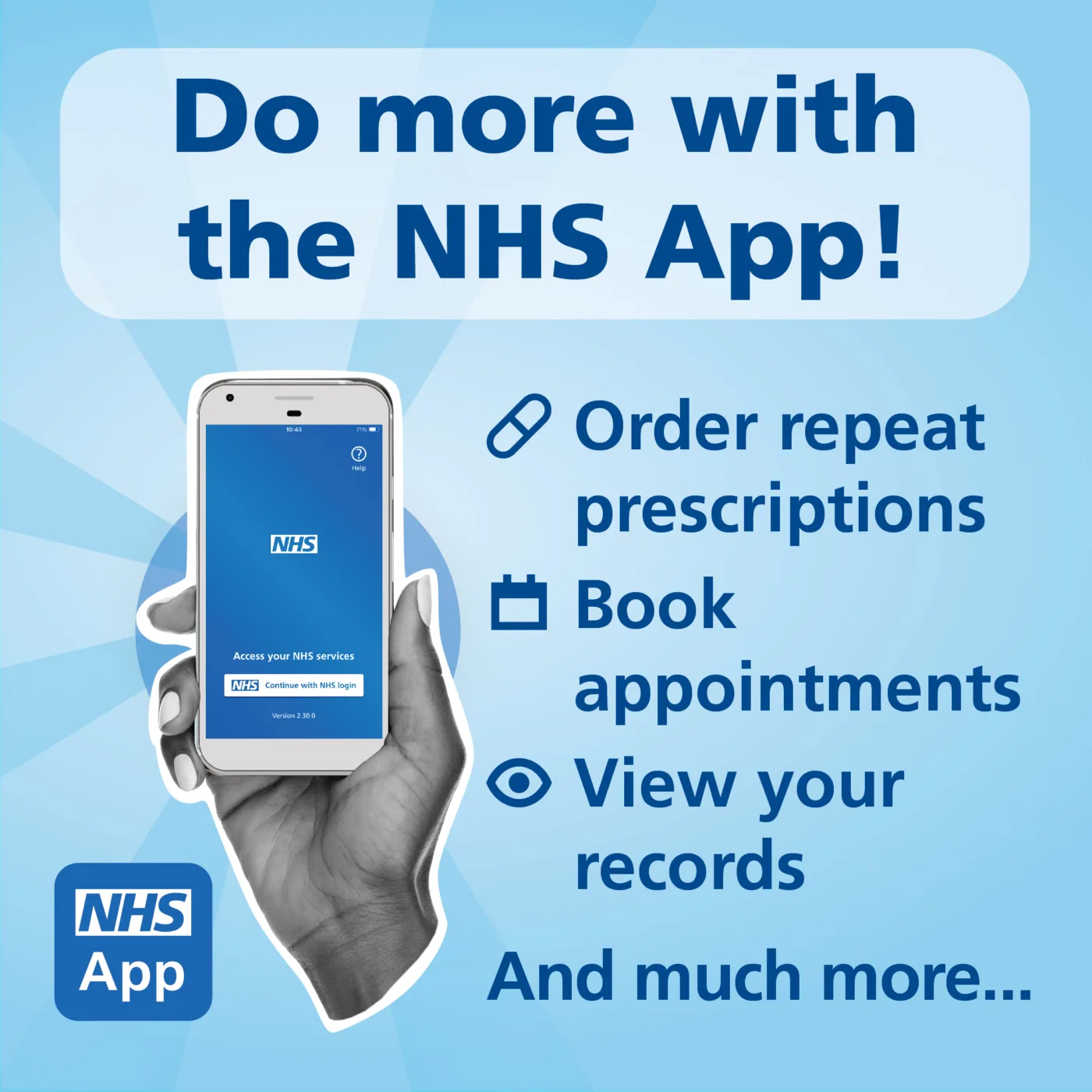
How to Download the NHS App
Getting started is simple:
Option 1 – Download on Your Phone or Tablet
- Search for “NHS App” in the Apple App Store or Google Play Store
- Download and install the app
Option 2 – Use It Online
- Visit the NHS App website
- Log in through your browser
Setting Up Your Account
You will need to:
- Create an NHS login
- Provide some personal details
- Confirm your identity (this may include ID checks or linking to your GP record)
👉 This helps keep your information safe and secure.